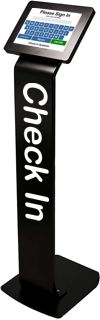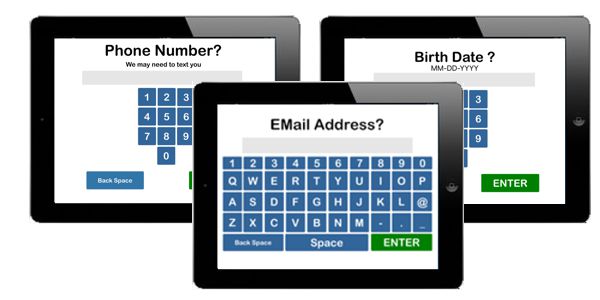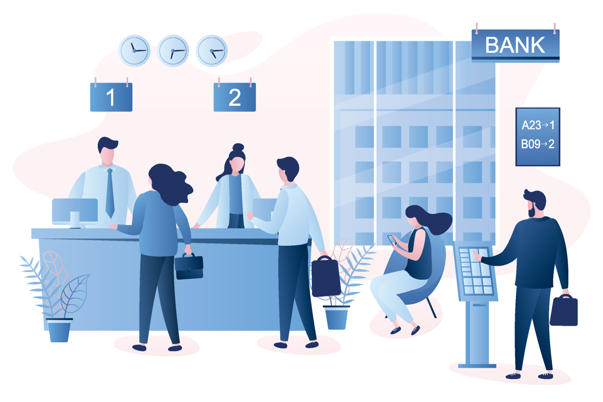
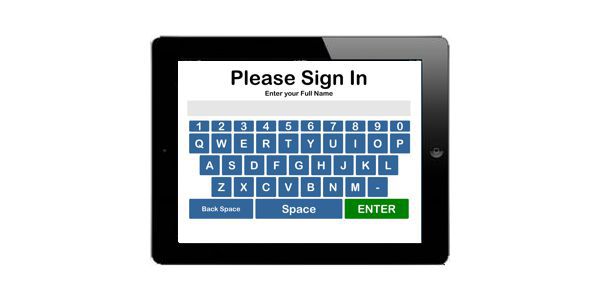
A Visitor kiosk makes the check in process fast and easy. Place the floor standing kiosk close to the entrance and customers will sign in quickly. Checking in at the door moves this procedure away from the reception window and reduces casual conversations until the appropriate time. Gather information such as name, phone number, email and ask basic questions needed for the check in process.
For those offices with repeat customers, our dedicated mobile app helps the customers sign from their own device and automatically fill in the necessary information with one touch. The free app is available on Android and Apple.
Some visitors would like to check in from the parking lot or further away. Our QR Code check in allows them to use their own device witout having to install an app. Post the QR Code on parking signs, at the door or send it in an email.
We'll send you an Apple iPad to build your customer kiosk.
That's a $300 value.
Fits counter top or floor stand. Stand not included. Limited time offer
Without removing the personal interaction, a kiosk can reduce the initial chatter that distracts staff from their job. After a visitor checks in, they will be called to the desk where staff can dedicate time specifically for that person.
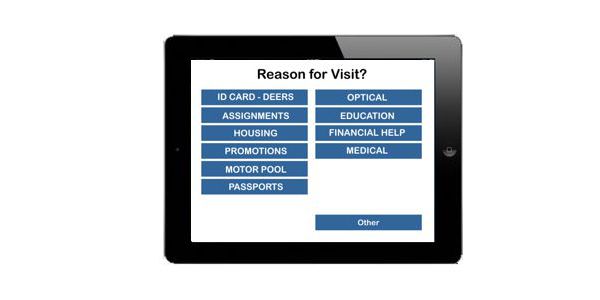
Organizing visitors as they arrive is a specialty of the check in system. Visitors enter their name and choose a reason for their visit. This allows the system to automatically sort visitors so the staff can respond by department and need.
Just like your favorite DMV office, staff can click a button to call customers to a station. TV Displays show the wait list and call out the name, asking them to come to a station.
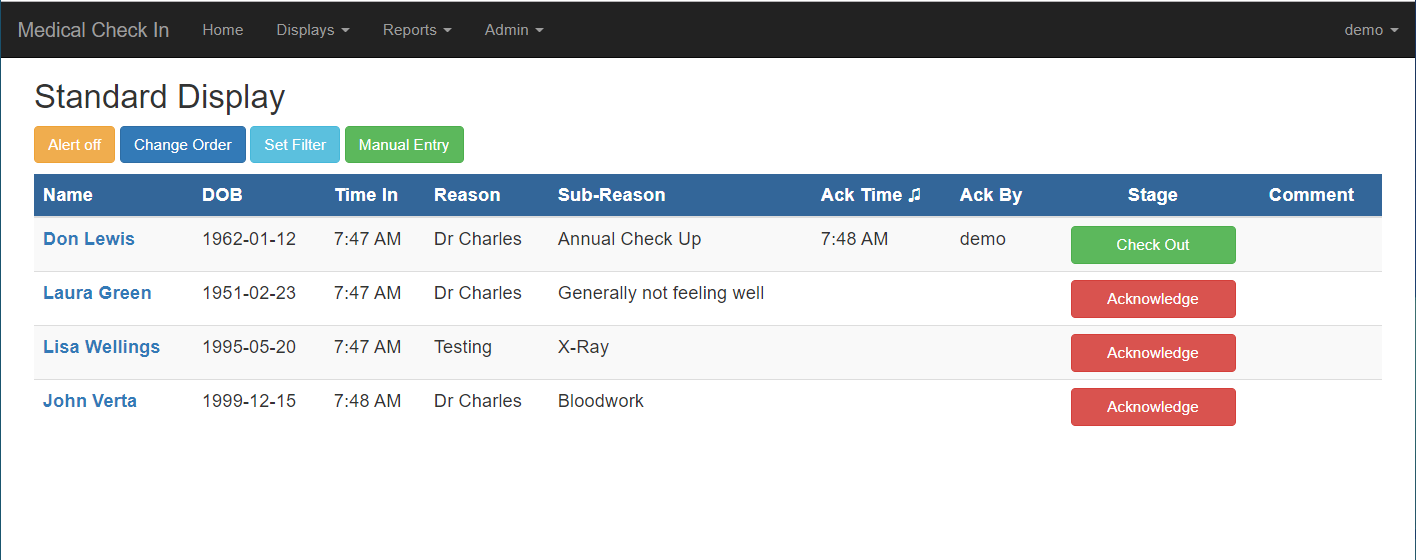
The Customer Check In system can notify staff when a customer arrives. This is a big help for smaller offices that don't have a receptionist and need to know when people check in. Notifications are sent by reason for visit so each provider or department can receive a message when a visitor arrives for them.
Timestamps of when visitors arrive to when they leave can provide amazing statistics. Volume by hour or reason for visit helps better manage schedules and staff load. Day of week reports give exact workload so management can schedule staff to handle busier times. No more estimating the office workload. You have the real numbers at hand.
Customer reviews are an important part of managing any customer service organization. Getting direct feedback from the customer helps channel successful strategies and filter out negative experiences. DSS Check In has Customer reviews integrated directly into the queuing system.
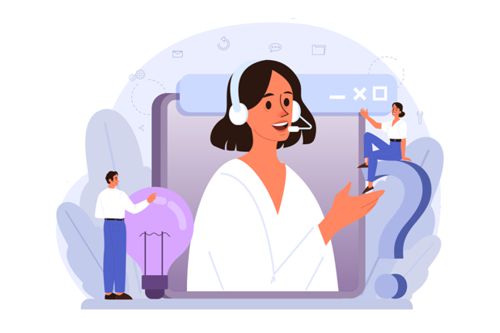
We believe in real customer service. We answer the phone and we are always happy to help in any way we can. Don't buy a software that doesn't have live, clear speaking support.
We are happy to you get started and get the most from Customer Check In. As soon as your system is setup, we can schedule a short training call to walk you and your team through setup and the daily usage of our system. During this call you can ask questions, tailor the system to your business and get a real feel for how it's going to help organize customers.
We'll give you a free, no risk trial for 14 days. You get your own, full featured software package to test with your staff and IT folks. Use your own iPad for the kiosk side of things. If you don't have an iPad, use the QR code or use manual entries. This will let you put the system into a live environment to see how it can really improve customer service in your office.
Take a tour with a live person on the phone. We are happy to give you a personalized, online demonstration. We'll show you all the features and answer any questions you may have. By the end of the short call, we can have you set up for a free, no obligation, 14 day trial of the complete system.
Click Here to schedule a demo call